Headless CMS vs traditional CMS is one of the most important website development decisions a business will make today. The choice affects how fast your site loads, how easily your team can manage content, and how well your website can scale as your business grows.
This guide breaks down the real headless CMS vs traditional CMS differences so you can choose the right one for your website.
What Is a Traditional CMS?
A traditional CMS (like WordPress or Joomla) combines the backend (where content is created and managed) with the frontend (how that content is displayed to visitors) in one connected system.
How Traditional CMS Works
Content is stored in a database and rendered directly into a predefined theme or template, so what you see in the editor is generally close to what visitors see on the live site.
What Is a Headless CMS?
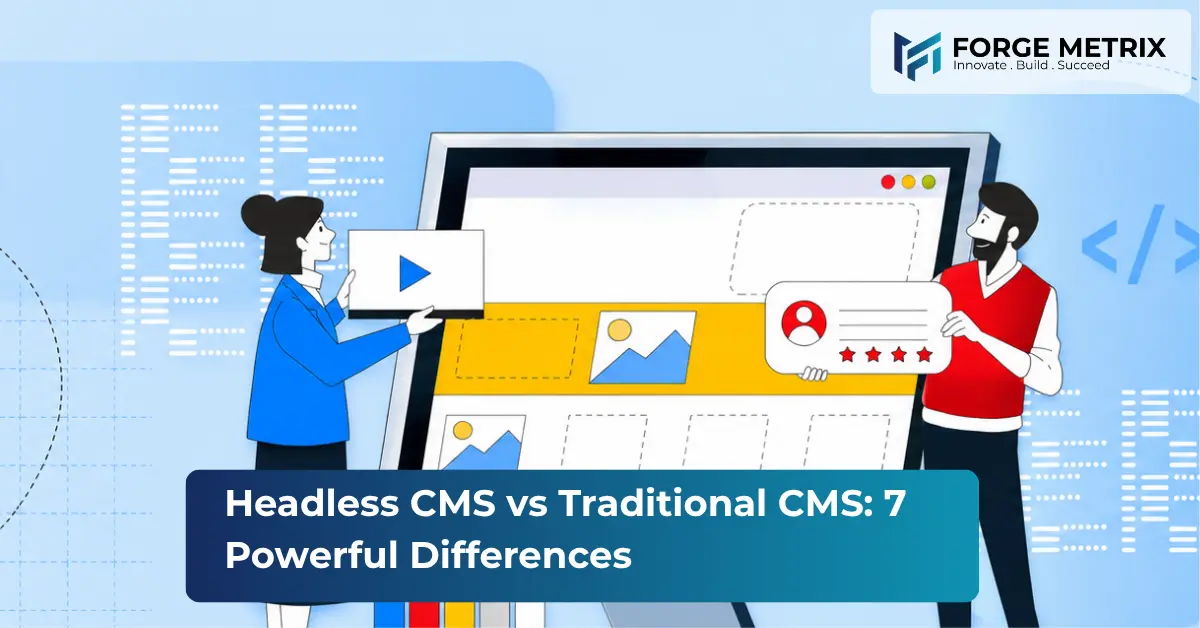
A headless CMS separates the backend content management from the frontend presentation layer. Content is stored and managed independently, then delivered to any frontend — website, mobile app, or other device — via an API.
How Headless CMS Works
Instead of rendering pages directly, a headless CMS pushes content through an API to whatever frontend framework a development team chooses to build, such as React, Vue, or a mobile app.
1. Flexibility
Headless CMS wins here — content can be delivered to multiple platforms (web, mobile, IoT devices) from a single source. Traditional CMS is generally limited to rendering a single website.
2. Development Speed
Traditional CMS platforms are faster to launch out of the box, thanks to pre-built themes and plugins. Headless CMS requires custom frontend development, which takes longer initially but pays off with more flexibility long-term.
3. Performance and Site Speed
Headless CMS sites tend to load faster since the frontend can be built with modern, lightweight frameworks optimized for performance — a factor tied directly to Google’s Core Web Vitals. Traditional CMS sites can slow down as plugins and themes accumulate.
4. Content Management Experience
Traditional CMS platforms typically offer a more intuitive, visual editing experience for non-technical users. Headless CMS editing is powerful but often requires more structured content models.
5. Scalability
Headless CMS scales more easily across multiple channels and high-traffic scenarios, since the frontend and backend can be scaled independently. Traditional CMS can hit performance limits as complexity grows.
6. Security
Headless CMS has a smaller attack surface since the frontend isn’t directly connected to the database. Traditional CMS sites, especially those with many plugins, are more frequently targeted by vulnerabilities.
7. Cost and Maintenance
Traditional CMS is generally cheaper to set up and maintain for simple websites. Headless CMS has higher upfront development costs but can reduce long-term maintenance as the business scales across platforms.
Headless CMS vs Traditional CMS: Which One Should You Choose?
- Choose a traditional CMS if you need a straightforward website, a smaller budget, and a team that wants to manage content without developer help.
- Choose a headless CMS if you’re building for multiple platforms, need top-tier performance, or expect to scale significantly in the next few years.
Still deciding between headless CMS vs traditional CMS for your next project? Most businesses find the answer becomes clear once they map out their content channels, team’s technical skill level, and growth timeline for the next two to three years.
Final Thoughts
There’s no universal winner in the headless CMS vs traditional CMS debate — the right choice depends on your business goals, technical resources, and growth plans. Many growing businesses start with a traditional CMS and migrate to headless architecture as their needs become more complex.
Not sure which approach fits your business? Forge Metrix’s web development team can assess your needs and build the right solution — get in touch today.
Whichever side of the headless CMS vs traditional CMS decision you land on, the right platform should make your website faster, easier to manage, and ready to grow alongside your business.